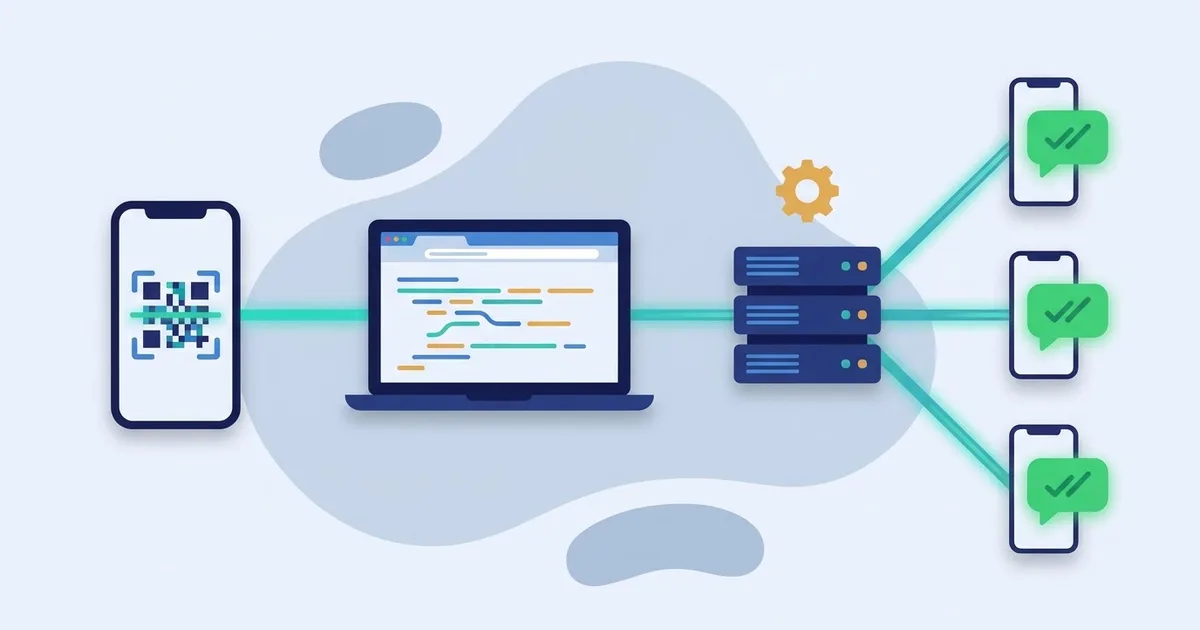
Step 1
Your app calls the API
When an event happens (an order is placed, an OTP is requested), your server sends a POST with the template_key, recipient number and variables.

Integrate the Tanotif WhatsApp API into your app in minutes to send automated notifications. Fast and simple for developers.
Get StartedSign up, grab your access_key, and send your first WhatsApp message.
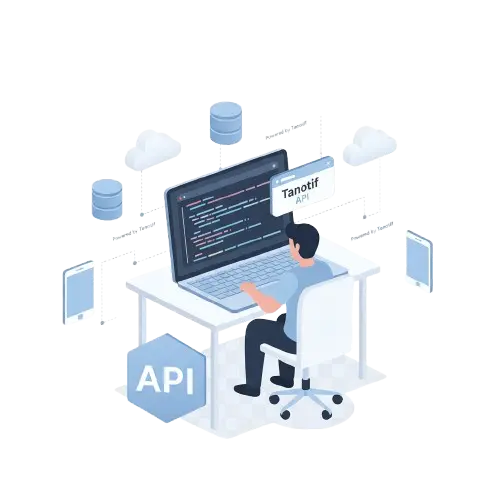
The WhatsApp API is a programming interface that lets an application send and receive WhatsApp messages automatically, without an operator typing on a phone. Meta's route for this is the WhatsApp Business Platform (Cloud API): messages are sent from the business's own WhatsApp Business number, use Meta-approved templates, and their status is reported back to the server.
Step 1
When an event happens (an order is placed, an OTP is requested), your server sends a POST with the template_key, recipient number and variables.
Step 2
Tanotif replies 201 with a transaction_key per recipient, then forwards the message to Meta's Cloud API from your number.
Step 3
Meta checks the template, then the message arrives in the customer's WhatsApp chat under your business name.
Step 4
Your callback URL receives sent, delivered, read or failed status, plus incoming customer messages.
Read more: what a WABA is (ID), WhatsApp gateway for notifications, and the integration flow in the docs.
Important notifications such as OTP codes, order updates and reminders must arrive on time. Without an API, teams usually run into these three obstacles.
Retyping messages one by one in the WhatsApp app is slow and prone to wrong numbers.
With Tanotif: your app calls one endpoint and template messages go out automatically to one or many numbers.
Connecting numbers, submitting templates, reading webhooks and handling rate limits all have to be built yourself.
With Tanotif: numbers connect through Embedded Signup, templates are submitted from the dashboard and status is forwarded to your callback.
Without status reports you cannot tell whether an OTP code or invoice reached the customer.
With Tanotif: every recipient gets a transaction_key, and sent, delivered, read or failed status is posted to your server.
Tanotif helps your app send automated WhatsApp notifications through a simple API.

Send template-based WhatsApp notifications to one or many numbers through a single endpoint with a compact JSON structure.
Clear documentation and a simple API syntax let you integrate notifications in under 1 hour.
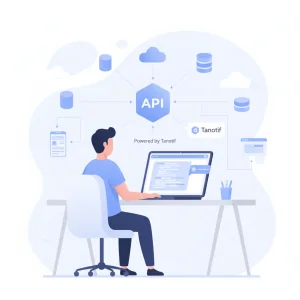
Receive sent, delivered, read or failed status for every message directly on your server through a callback URL.
Learn more: WhatsApp gateway, send WhatsApp OTP, the API documentation, WhatsApp API pricing plans, and tutorials on the blog.
Sign up and get your API Key credential (access_key).
Read the concise Tanotif API documentation. Code samples are available in several languages.
Design templates that fit your needs or use the standard templates we provide.
Call the API from your app and send WhatsApp messages to your users.
Every send uses POST with a JSON body and an access_key header. Set template_key to a Meta-approved template, then list recipients and their variables in the data array.
Recipient numbers may start with 08, 8 or 62. Node.js, PHP and Python examples are in the WhatsApp API documentation, and every endpoint can be tried in Swagger Docs.
cURL
curl -X POST https://tanotif.com/api/whatsapp/message/send \
  -H "Content-Type: application/json" \
  -H "access_key: ACCESS_KEY_ANDA" \
  -d '{
    "template_key": "TEMPLATE_KEY_ANDA",
    "data": [
      { "recipient": "081234567890",
        "variables": ["Budi", "482913"] }
    ]
}'Every message uses a template in a Meta category: Authentication for OTP codes, Utility for transactional notifications, and Marketing for promotions to contacts who opted in.
Authentication
SaaS apps, fintech and marketplaces send OTP codes generated by their own server. The message text follows Meta's format and can include a copy-code button.
Send WhatsApp OTPUtility
Online stores and POS apps announce received orders, completed payments or shipped parcels with name and order number variables.
See the WhatsApp gatewayUtility
Clinics, booking services, schools and courses send schedule or due-date reminders from the systems they already run.
Learn the webhook flow (ID)Marketing
Brands share product news with customers who gave permission. Marketing templates are reviewed by Meta and priced under Meta's terms.
Compare plan quotas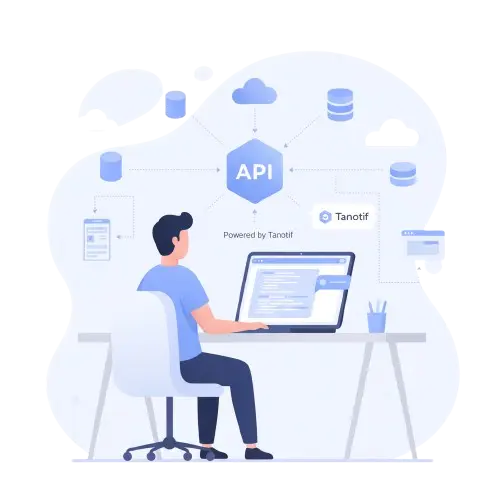
We know developer time is precious. Focus on your application logic and leave the notifications to us.

Honest note: callbacks are not signed yet and are not resent if your server fails to respond. For important messages, match the transaction_key against the transaction history.
How notifications work when sent manually from the WhatsApp app compared with automatically from your application code.
| Aspect | Manual sending | Through the Tanotif API |
|---|---|---|
| Send trigger | An operator opens the app and types the message | Application code calls the endpoint when an event happens |
| Many recipients | One at a time | Several recipients in one request |
| Message content | Retyped, prone to typos | Meta-approved template with variables |
| Delivery status | Checked manually in each chat | Callback with sent, delivered, read, failed |
| History | Scattered across operator phones | Transaction history in the dashboard with transaction_key |
| Sender number | A personal number or the WhatsApp Business app | Your own WhatsApp Business number on Meta's Cloud API |
A monthly software subscription. WhatsApp message fees are billed directly by Meta per template category; Tanotif takes no margin on Meta's fees.
Free for 14 days
Try every core feature for 14 days with one number and one user.
Rp25,000/month
For one business with one WhatsApp number and a small team.
Rp99,000/month
For agencies and businesses with several brands, numbers, and teams.
Tutorials on APIs, webhooks, OTP and WhatsApp notifications from the Tanotif blog (in Indonesian).
WhatsApp API
Wablas adalah WhatsApp API gateway asal Indonesia yang menghubungkan nomor lewat scan QR. Pelajari cara kerja, fitur API, paket harga, risiko pemblokiran, dan bedanya dengan WhatsApp Cloud API.
WhatsApp API
Qontak (Mekari Qontak) adalah platform omnichannel CRM dan WhatsApp Business API resmi asal Indonesia. Pelajari fitur, paket harga, biaya pesan Meta, syarat daftar, dan kapan cukup memakai API langsung.
WhatsApp API
Fonnte adalah WhatsApp API gateway unofficial asal Indonesia yang memakai WhatsApp Web. Pelajari cara kerja, fitur API, paket harga, risiko banned, dan bedanya dengan WhatsApp Cloud API resmi.
The Tanotif WhatsApp API is a SaaS service that connects your application to the WhatsApp Business Platform (Cloud API) by Meta through a compact REST API. Your app calls one endpoint to send a template message to one or many numbers, then receives delivery status through a callback.
The WhatsApp Business app runs on a phone and is used to reply to chats manually. The WhatsApp API is used from code: your application sends automated messages to many numbers with Meta-approved templates and receives delivery status through a callback. The number used with the WhatsApp API is linked to a WhatsApp Business Account (WABA) at Meta.
A WhatsApp API is an interface for sending and receiving WhatsApp messages from an application. A WhatsApp gateway is an intermediary service that provides that API along with a dashboard, templates and callbacks, so you do not have to build a Meta integration yourself. Tanotif is a gateway built on Meta's Cloud API.
Yes, but only to reply to a customer within 24 hours of their last message. This rule is set by Meta. Outside that window, a conversation can only be started with an approved template message, for example for OTPs or order notifications.
Four things: a Tanotif account, your own WhatsApp Business number connected through the Connect Number menu (Meta Embedded Signup), at least one message template approved by Meta, and the access_key from the Access Key page in the dashboard.
Any language that can send an HTTP POST request with a JSON body. The documentation includes cURL, Node.js, PHP and Python examples, and every endpoint can be tried directly in Swagger Docs with your access_key and template_key.
Yes. Fill the data array with several recipients, each with its own number and template variables. Tanotif replies with status 201, queues the messages and returns a transaction_key for every recipient.
Templates are reviewed by Meta, not by Tanotif. The status changes automatically to APPROVED or REJECTED, usually within minutes up to 24 hours. Once approved, the template_key is ready to use in API calls.
Set a callback URL in the dashboard. Tanotif sends a POST to your server when Meta accepts or rejects the message, then for every delivery status from Meta: sent, delivered, read or failed. Incoming customer messages are forwarded to the same URL, and every transaction is recorded in the dashboard history.
Tanotif charges a monthly software subscription, starting at Rp25,000 for the Starter plan. WhatsApp message fees are billed directly by Meta to the payment method in your WhatsApp Manager based on the template category. Each plan's quotas are listed on the Pricing page.
Still have questions? Read the full documentation or the pricing FAQ.
Sign up, connect your WhatsApp Business number, submit a template, then call the API following the documentation examples.